Turn your PDF house manual into a digital guest guide in minutes
Most hosts have a house manual. It's a PDF, or a Google Doc, or a laminated binder on the counter. The problem isn't the content — it's the format. A PDF on a phone is a pinch-and-zoom chore, it can't be searched properly, it's in one language, and updating it means emailing a new file that nobody re-downloads.
The shortcut: import, don't rebuild
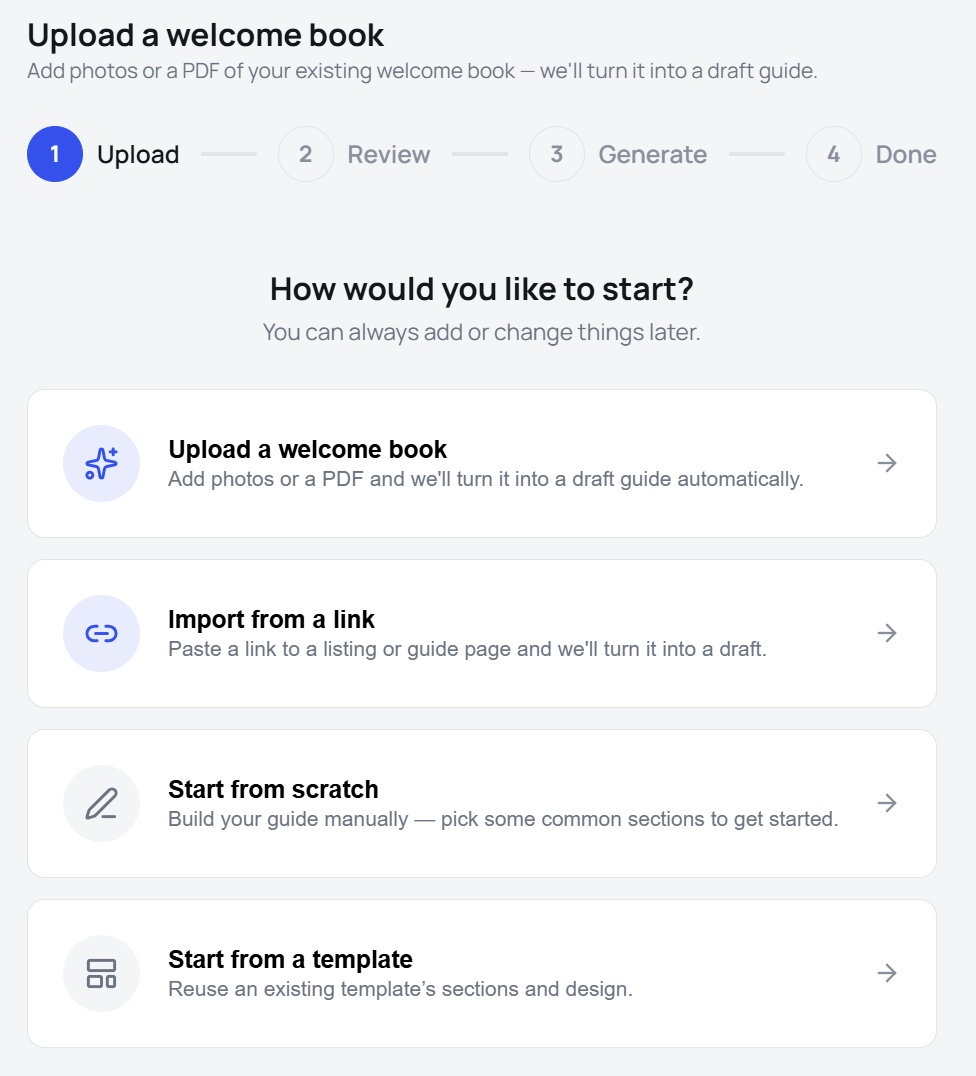
Guest360 PRO's create flow starts with what you have:
Upload a PDF or photos — your existing manual, scanned or photographed.
Import from a URL — point it at your Airbnb, Booking.com or Vrbo listing, or a Notion page, and it pulls the content in.
Start blank — from ready-made section presets if you're beginning from scratch.
What the AI actually does
It doesn't just dump the text. It reads the structure and extracts real fields — Wi-Fi network and password, check-in time and method, house rules, local tips — into proper sections. Each extracted field shows a confidence flag, so you can scan the AI's work quickly and fix anything that came out wrong. Everything is editable inline afterwards.
Then it's a link
Once it's a guide, you get:
A URL and a printable QR code — no app, no guest account.
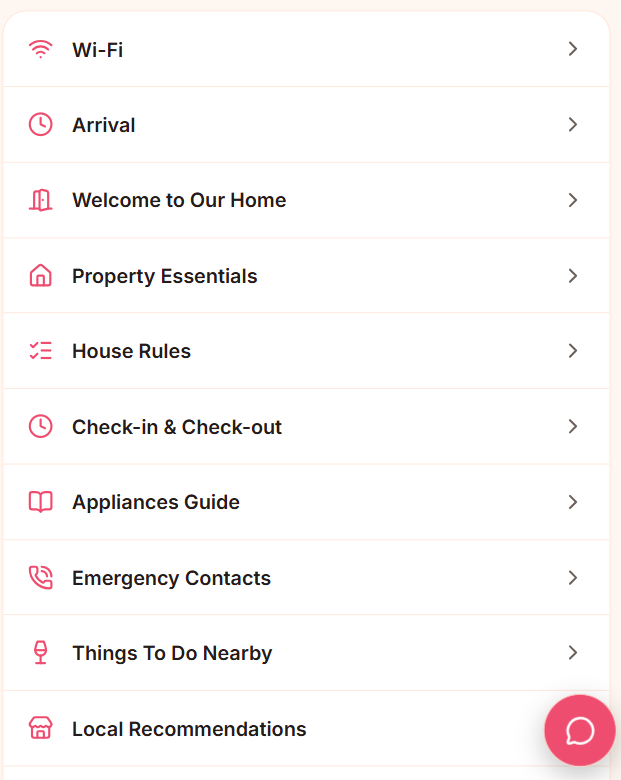
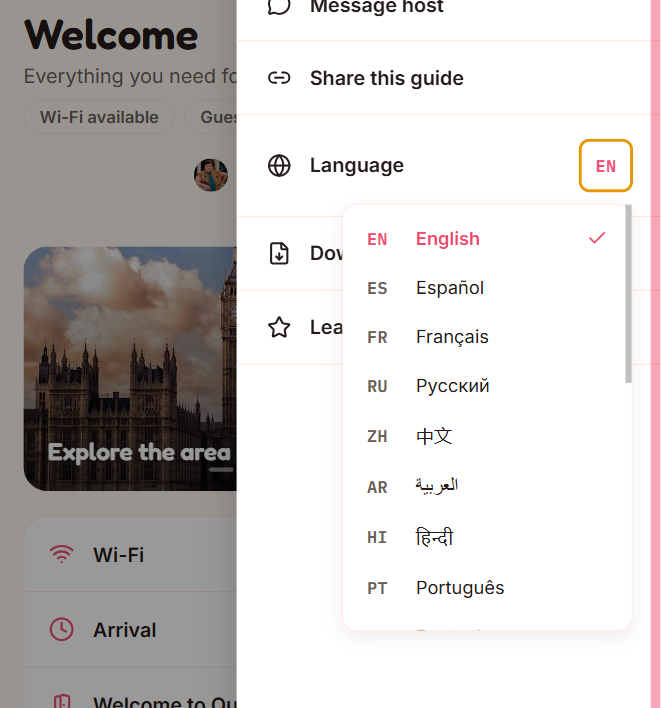
A layout that reads well on a phone, in the guest's language via a translation toggle.
Tap-to-copy Wi-Fi, tap-to-call, jump-to-section search.
One place to update — every guest sees the latest version immediately.
The whole thing takes about ten minutes
Import, skim the confidence flags, tidy a couple of sections, pick a layout, publish. The content was the hard part and you already did it.