What to put in an Airbnb welcome book (with a free checklist)
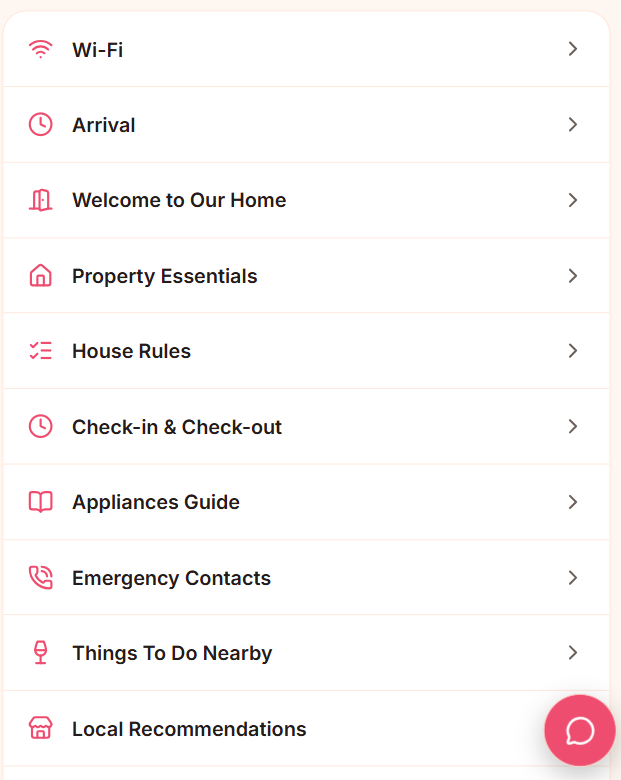
A welcome book earns its keep by answering the question a guest is about to text you. If it doesn't, it's decoration. Here is the set of sections that covers the vast majority of guest questions, in the order guests need them.
1. Arrival & check-in
The first thing a tired guest opens the guide for. Include:
The exact address and a map link — not just "the blue door".
Parking: where, whether a permit is needed, what to do if the spot is taken.
Check-in time and the method — lockbox code, smart lock, key handover, front desk.
How to get in step by step, with a photo of the entrance.
What to do if something goes wrong on arrival (a number that will actually answer).
2. Wi-Fi
Put the network name and password near the top and make them tap-to-copy. A guest standing in the hallway with luggage should not have to scroll. If you can, add a "scan to join" QR code so they don't type anything at all.
3. The essentials of the place
Thermostat, hot water, the tricky light switch, which bin is which, how the shower works, where spare towels live. These are the small frustrations that turn into a mediocre review. One short section, one photo each.
4. House rules
Keep them factual, not scolding: quiet hours, smoking, pets, parties, maximum occupancy, shoes on or off. Guests follow rules they can find and understand; they resent rules sprung on them.
5. Check-out
A short checklist: check-out time, where to leave the keys, whether to start the dishwasher, strip the beds or not, lock which doors. A five-item checklist prevents the "did they lock up?" anxiety on both sides.
6. Local recommendations
Three or four genuine picks beat a list of twenty. Coffee, a good dinner, the nearest pharmacy and supermarket, one thing worth walking to. Say why you like each one.
7. Emergencies & contact
Local emergency number, nearest hospital, the building manager if there is one, and how to reach you for anything non-urgent — ideally a channel that isn't your personal phone number.
Turn your existing book into this
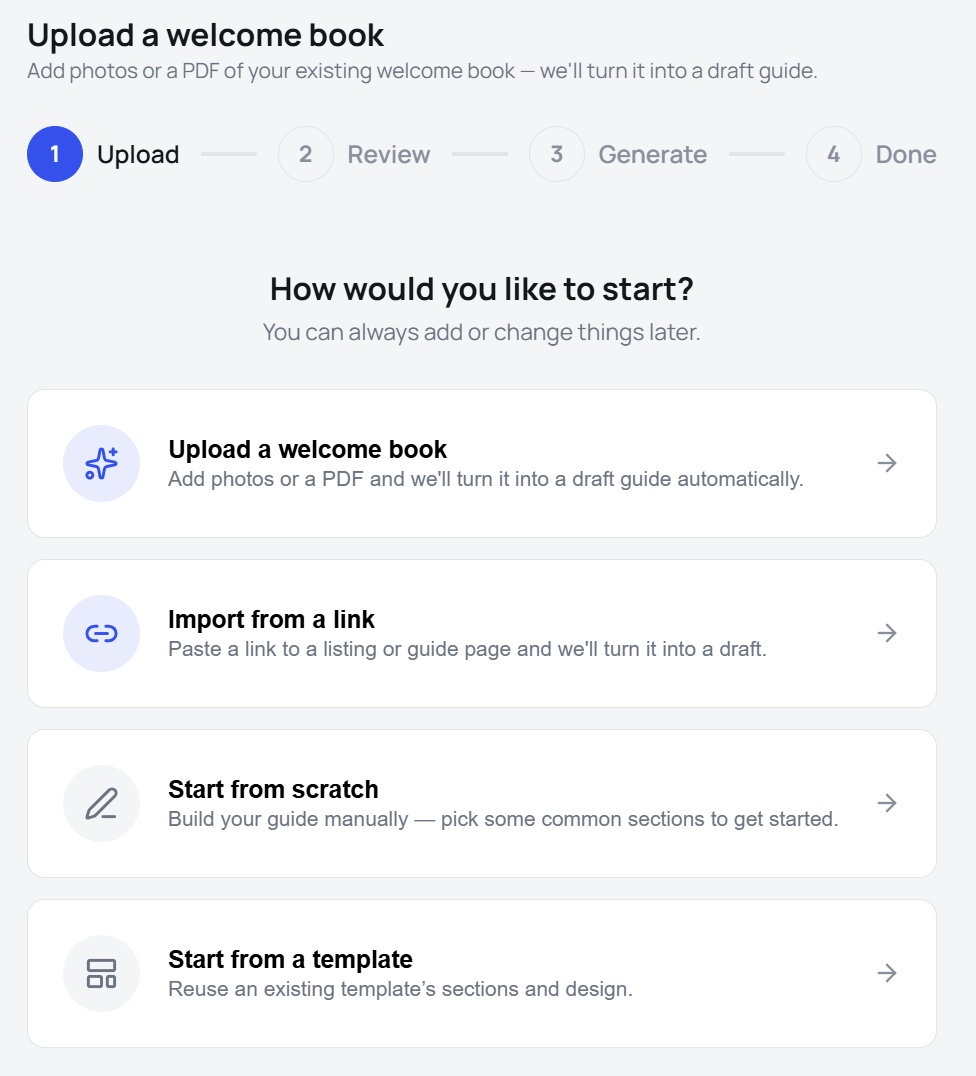
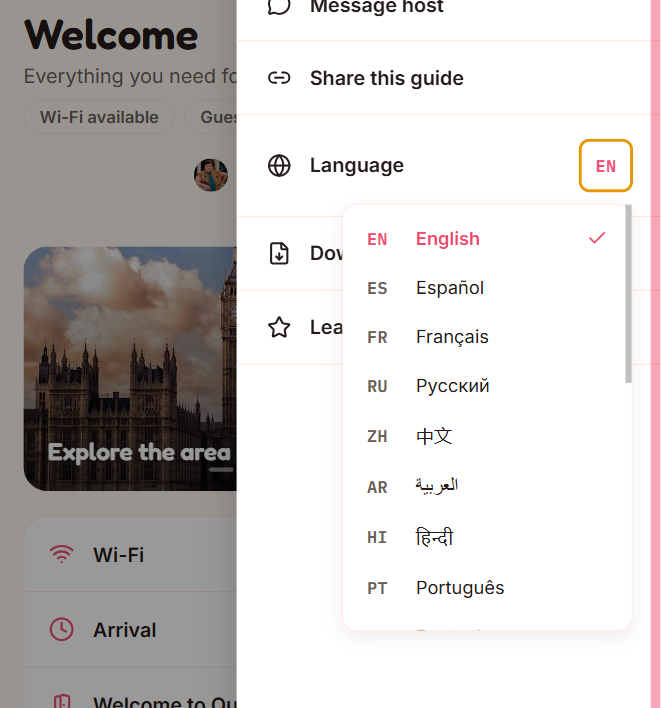
If you already have a welcome binder or a PDF, you don't need to retype it. Guest360 PRO imports a PDF, a set of photos, or a listing URL and turns it into these sections automatically — each field flagged with a confidence score so you can check the extraction in a minute and edit anything inline. Then it's a link your guests open on any phone, in their language, with no app.